How to Watch Movies in Theaters At HomeGoing to the cinema is always exciting, but sometimes you’d rather enjoy the latest blockbuster from the comfort of your couch. While not every new theatrical release is immediately available at home, this guide will walk you through all the ways to watch current movies without leaving your house!
Method1 .Vudu
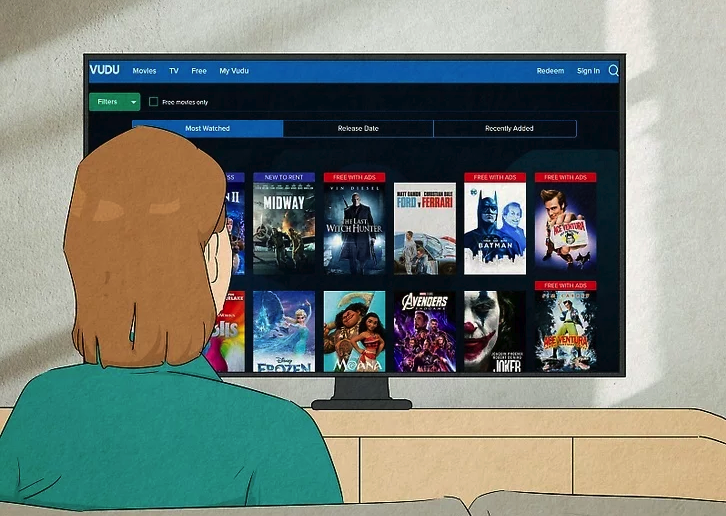
Step 1: Visit Fandango at Home (formerly Vudu) and create an account
Fandango at Home is a popular online rental and streaming service offering thousands of movies and TV shows. While not every theatrical release is available, a select number of current movies in theaters can be rented or purchased digitally. Note: Fandango at Home is now the official home of AMC On Demand, the former in-home rental service from the largest U.S. theater chain.
Official website: https://www.fandango.com/movies-in-theaters
Create an account or sign in: https://account.fandango.com/signup
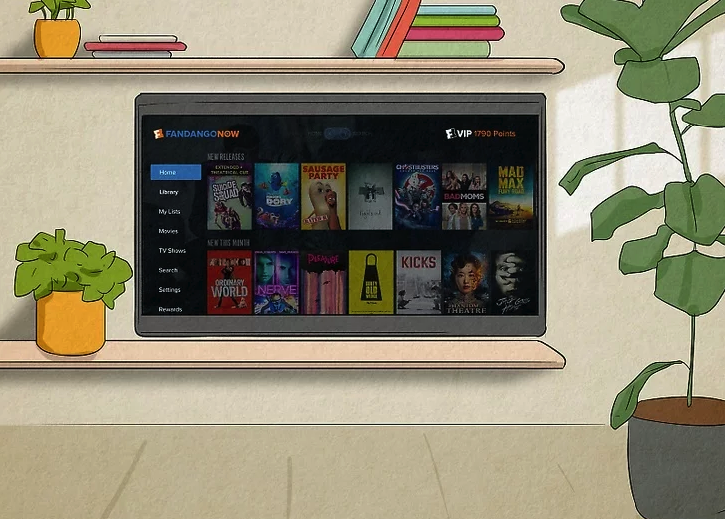
Step 2: Rent or buy movies from the “Fandango at Home” section
Once logged in, look for the “Fandango at Home” section—it’s often prominently featured at the top of the homepage. Fandango partners with theaters to offer select current theatrical releases for rent or purchase at home. Important note: Renting or buying a movie that’s still in theaters is typically priced similarly to two movie tickets (around $15–$25), so you may not save money compared to going to the cinema. Availability varies by title and location.Browse current in-theater rentals: https://www.fandango.com/movies-in-theaters?tab=at-homeReferences:
- Official Fandango at Home support: https://support.fandango.com/hc/en-us
- Fandango’s in-theaters at home FAQ: https://www.fandango.com/movies-in-theaters
Method2 .Stream Day-and-Date Releases
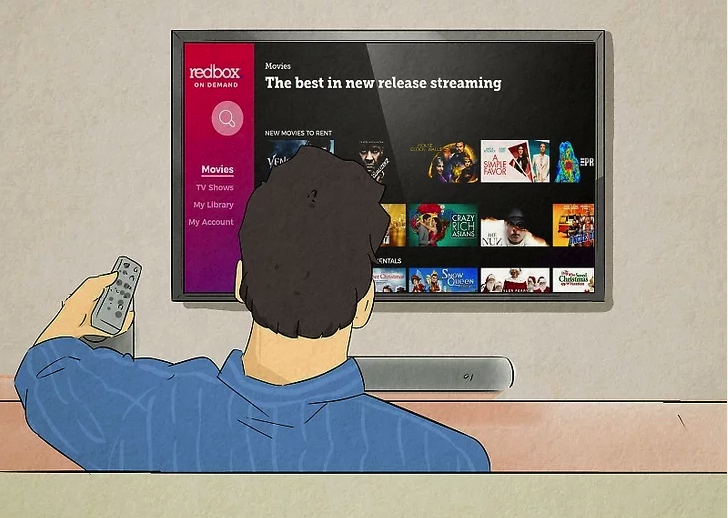
In recent years, many streaming platforms have embraced day-and-date releases, allowing new films to premiere in theaters and on streaming at the same time. Popular services like Netflix, Amazon Prime Video, and others often feature select theatrical releases available to stream right away.How to check:
- Open your preferred streaming app or website.
- Browse the “New Releases,” “Recently Added,” or “Movies” section.
- Look for titles marked as “In Theaters Now” or check the movie’s description to see if it’s also playing in cinemas.
Examples of services that frequently offer day-and-date releases:
- Netflix – Occasionally releases major films simultaneously in theaters and on the platform.
- Amazon Prime Video – Has adopted day-and-date for some original and acquired titles.
Even if a movie isn’t available on day-and-date, it may arrive on streaming shortly after its theatrical run ends (typically 45–90 days later). Services like Apple TV+ are known for this approach, often releasing their original films on the platform after a limited theatrical window.Quick tip: Search for the movie title directly on your streaming service to see if it’s available, or use the service’s “In Theaters” or “Coming Soon” filters if available.References:
- Netflix New Releases: https://www.netflix.com/browse/genre/839338
- Amazon Prime Video Movies: https://www.primevideo.com/store/movies
- Apple TV+ Films: https://tv.apple.com/us/browse/movies
Method3 Torrenting
Important note: Torrenting copyrighted movies without permission is illegal in most countries, including the US, and can lead to fines or other penalties. It also risks exposing your device to malware, viruses, or data theft from fake files and shady sites. Always prioritize legal methods to watch movies safely and support creators.Instead of risky torrent sites like The Pirate Bay (which often hosts pirated content and cam rips—low-quality recordings filmed in theaters), use legitimate streaming services that offer new theatrical releases either on demand, via rental/purchase, or through subscriptions.Why Avoid Torrenting?
- Legal risks: Downloading or sharing copyrighted material without authorization violates copyright laws.
- Security dangers: Sites like The Pirate Bay, 1337x, or TorrentGalaxy frequently include malware-laden files, fake torrents, or intrusive ads.
- Quality issues: Early “releases” are often poor-quality cam rips; legal options provide HD or 4K streams.
Better Alternatives: Legal Ways to Watch New Movies at Home
- Rent or buy digital copies on platforms like Fandango at Home (formerly Vudu), Amazon Prime Video, Apple TV, Google Play Movies, or YouTube—many current theatrical releases are available shortly after or during their cinema run.
- Subscription streaming services like Netflix, Disney+, Hulu, Max, or Paramount+ often add new films weeks to months after theaters.
- Free ad-supported options for older or classic movies: Tubi, Pluto TV, Freevee, Kanopy (via library card), or Internet Archive (public domain films).
Quick tip: Search the movie title on JustWatch.com or Reelgood.com to see where it’s legally available to stream, rent, or buy right now.References:
- JustWatch: https://www.justwatch.com
- Tubi (free legal streaming): https://tubitv.com
- Pluto TV: https://pluto.tv
- Legal torrent alternatives (public domain only): https://archive.org/details/movies
Method4 .Stream on Third-Party Site
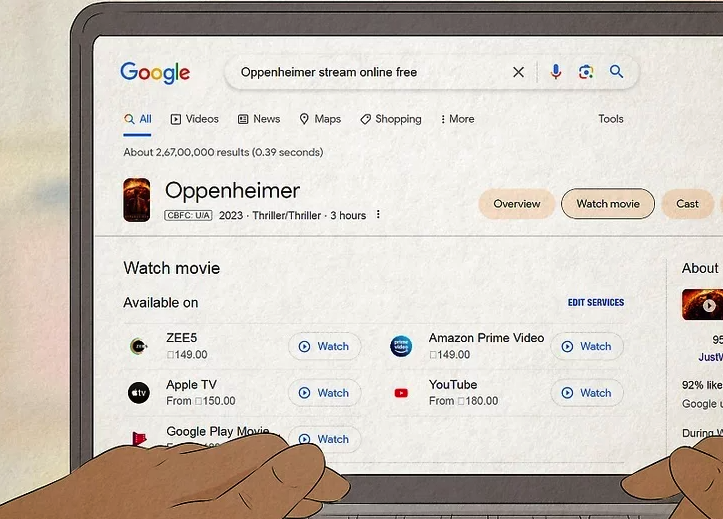
Google the film that you want to watch online. Use the film’s name and the phrase “stream online free”. If the film is available illegally, your search will yield a few results. Not every site is reliable when streaming video illegally, but you may come across a site that has the film you are looking for!
- Never download any videos from an illegal streaming site. Follow this wikiHow guide for safe practices.
- When browsing theatrical releases on third-party streaming sites, you may come across several cam rips. These are low-quality videos in which another person has recorded the movie from the theater.
- Cam rips may be sufficient viewing for some, but try to look for web rips instead.
Method5 .Amazon Video
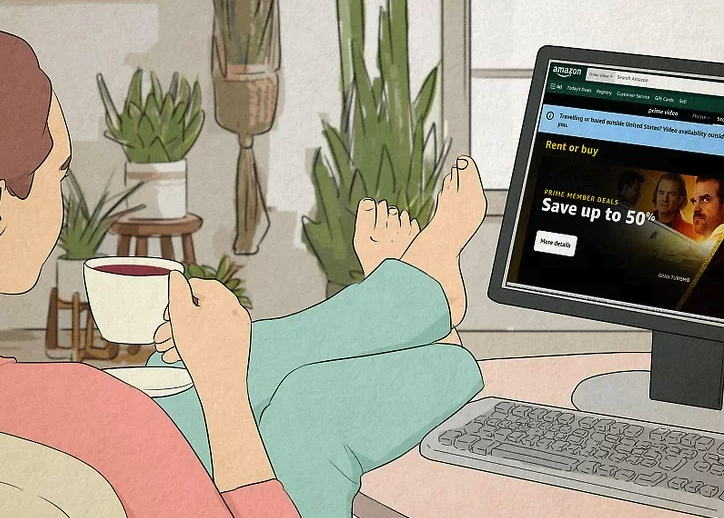
Amazon Video (also known as Amazon’s digital storefront, separate from the included-with-Prime Amazon Prime Video catalog) lets you rent or buy thousands of movies and TV shows digitally. Many new theatrical releases become available here for rent or purchase, often shortly after or even during their cinema run.How to access it:
- Go to the Amazon Video store: https://www.amazon.com/Video or search “Amazon Video” in your browser.
- Browse the “Movies” section or use the search bar to find your desired title.
- Pay special attention to the “Home Premiere” or “New Releases” section—these often feature current theatrical movies available to rent or buy at home.
Key tips:
- Prices for new releases typically range from $5–$7 to rent (usually 48-hour viewing window) or $15–$25 to buy.
- Availability depends on the studio and release window—some films arrive digitally within weeks of theaters.
- If you have an Amazon Prime membership, you may also find some titles included for free streaming in Amazon Prime Video, but new blockbusters are often in the pay-per-view Amazon Video store first.
Quick tip: Use the “In Theaters Now” or “Coming Soon to Digital” filters on the site to spot current cinema releases available at home.References:
- Amazon Video Store: https://www.amazon.com/Video
- Amazon Digital Movies (New Releases): https://www.amazon.com/gp/new-releases/movies
- Amazon Help on renting/buying movies: https://www.amazon.com/gp/help/customer/display.html?nodeId=G6E3B2B2J3B7J3K
Method6 Apple TV
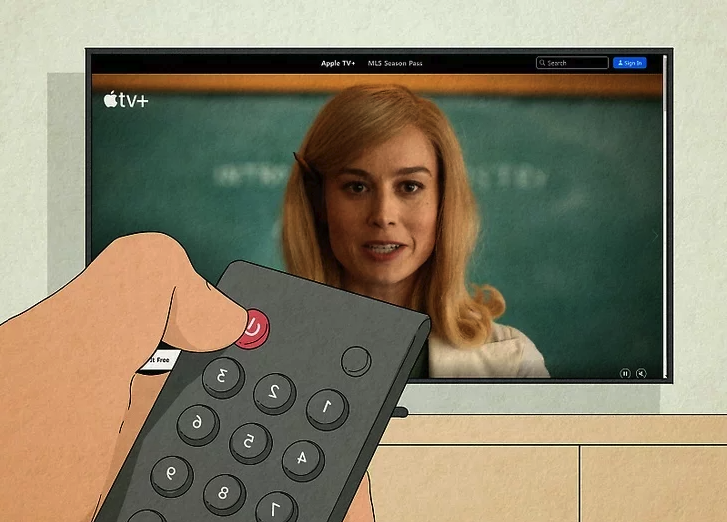
Apple TV (via the Apple TV app or website) is a great option for renting or buying digital movies and TV shows, even if you don’t have an Apple TV+ subscription. Many current theatrical releases become available here for rent or purchase shortly after (or sometimes during) their cinema run.How to access it:
- Visit the Apple TV website: https://tv.apple.com
- Or open the Apple TV app on your iPhone, iPad, Mac, Apple TV device, smart TV, or streaming device.
- Browse the “Movies” section or search for the title you want.
- Look for the “Rent” or “Buy” options—many new releases are highlighted in the “In Theaters” or “New Releases” areas.
Key tips:
- Rental prices typically range from $5–$7 (with a 48-hour viewing window after starting playback), while buying costs $15–$25 or more.
- You don’t need an Apple TV+ subscription to rent or buy individual titles.
- Some films still playing in theaters may appear as digital rentals/purchases right away—check the movie’s details page for availability in your region.
Quick tip: Use the “In Theaters Now” filter on the Apple TV app or website to spot current cinema releases available digitally.References:
- Apple TV official site: https://tv.apple.com
- Apple TV Movies (New Releases): https://tv.apple.com/us/browse/movies
- Apple Support for renting movies: https://support.apple.com/en-us/HT201272
Method7 .Google TV
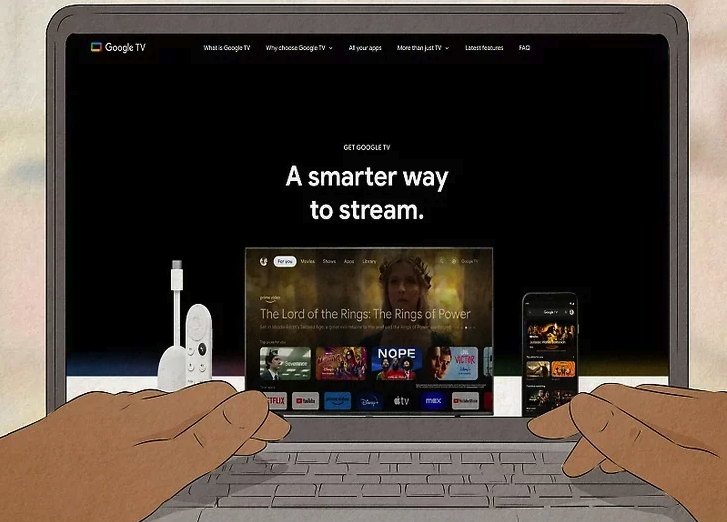
Google TV (available as an app on Android devices, or through Google TV devices and smart TVs) lets you rent or buy thousands of movies and TV shows digitally. Many new theatrical releases appear here for rent or purchase, often while still playing in theaters or shortly after their cinema debut.How to access it:
- Open the Google TV app on your Android phone, tablet, or Google TV device.
- Alternatively, visit the Google TV store online: https://tv.google.com or search “Google TV” in your browser.
- Browse the “Movies” tab or use the search bar to find the title you want.
- Look for “Rent” or “Buy” options—current releases are often featured in the “New Releases” or “In Theaters” sections.
Key tips:
- Rentals usually cost $5–$7 (with a 48-hour viewing window after starting playback), while purchases range from $15–$25 or more.
- No subscription required—just a Google account.
- Availability varies by region and studio release windows, but many blockbusters become available digitally soon after theaters.
Quick tip: Check the “In Theaters Now” or “Coming to Digital” filters in the app to spot movies currently in cinemas that you can watch at home.References:
Google Support for renting movies: https://support.google.com/googleplay/answer/2474560
Google TV official site: https://tv.google.com
Google TV Movies & Shows: https://play.google.com/store/movies