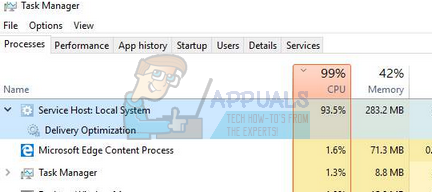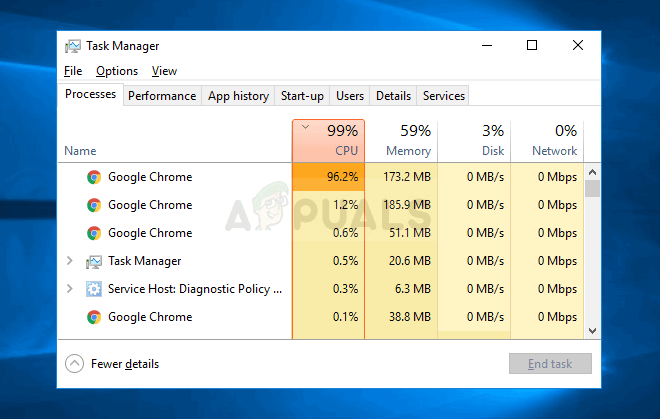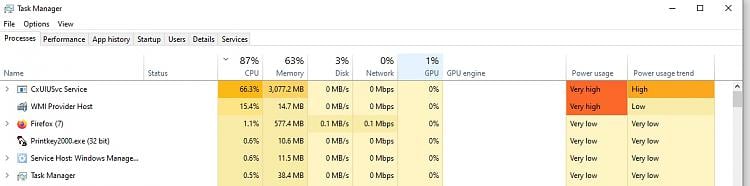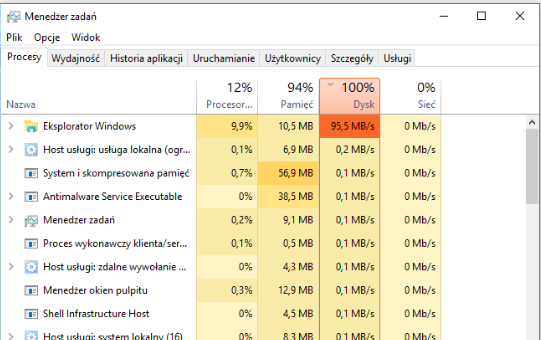
Windows Explorer can sometimes freeze or become very slow when opening folders that contain .TS video files. This issue often causes your computer’s RAM and disk usage to spike above 80%. The main reason is that Explorer tries to create thumbnails and read information from .TS files, which makes it load the entire file into memory.
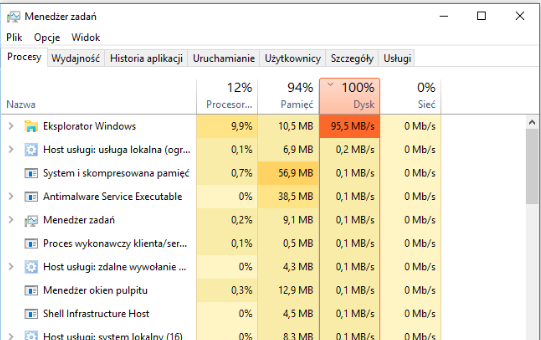
Because .TS files usually do not have proper indexing, and are often large or may have damaged file headers, Explorer has trouble processing them quickly. Many users report that this problem is worse when a folder has many .TS files, especially if you are using a slow hard drive or a computer with limited RAM.
Follow these clear steps to fix the issue:
Deleting these registry keys will stop Windows Explorer from creating thumbnails and showing file details for .TS files. You will still be able to open and play these files in any media player. However, you will no longer see previews or be able to sort the files in File Explorer by details such as duration, resolution, and other metadata.
- Press the Windows Logo key + R to open the Run dialog.
- Type regedit and press Enter to launch the Registry Editor.
- In the left pane of the Registry Editor, navigate to the following path:
HKEY_LOCAL_MACHINE > SOFTWARE > Microsoft > Windows > CurrentVersion > PropertySystem > PropertyHandlers
Expand the PropertyHandlers key, locate the sub-key named .ts, right-click on it, and select Delete. Confirm by clicking Yes in the pop-up dialog box.
- Next, navigate to:
HKEY_LOCAL_MACHINE > SOFTWARE > Microsoft > Windows > CurrentVersion > PropertySystem > SystemPropertyHandlers
Again, expand the SystemPropertyHandlers key, locate .ts, right-click on it, and select Delete. Confirm with Yes.
- Finally, navigate to:
HKEY_CLASSES_ROOT > SystemFileAssociations
Within SystemFileAssociations, find the .ts sub-key, right-click on it, and select Delete. Confirm the deletion by choosing Yes.
- Restart your computer.
After restarting, open any folder containing .TS files using File Explorer. The folder’s contents should now load significantly faster, resolving the excessive RAM and Disk usage issues previously experienced.