How to Take Better Photos with Your Phone
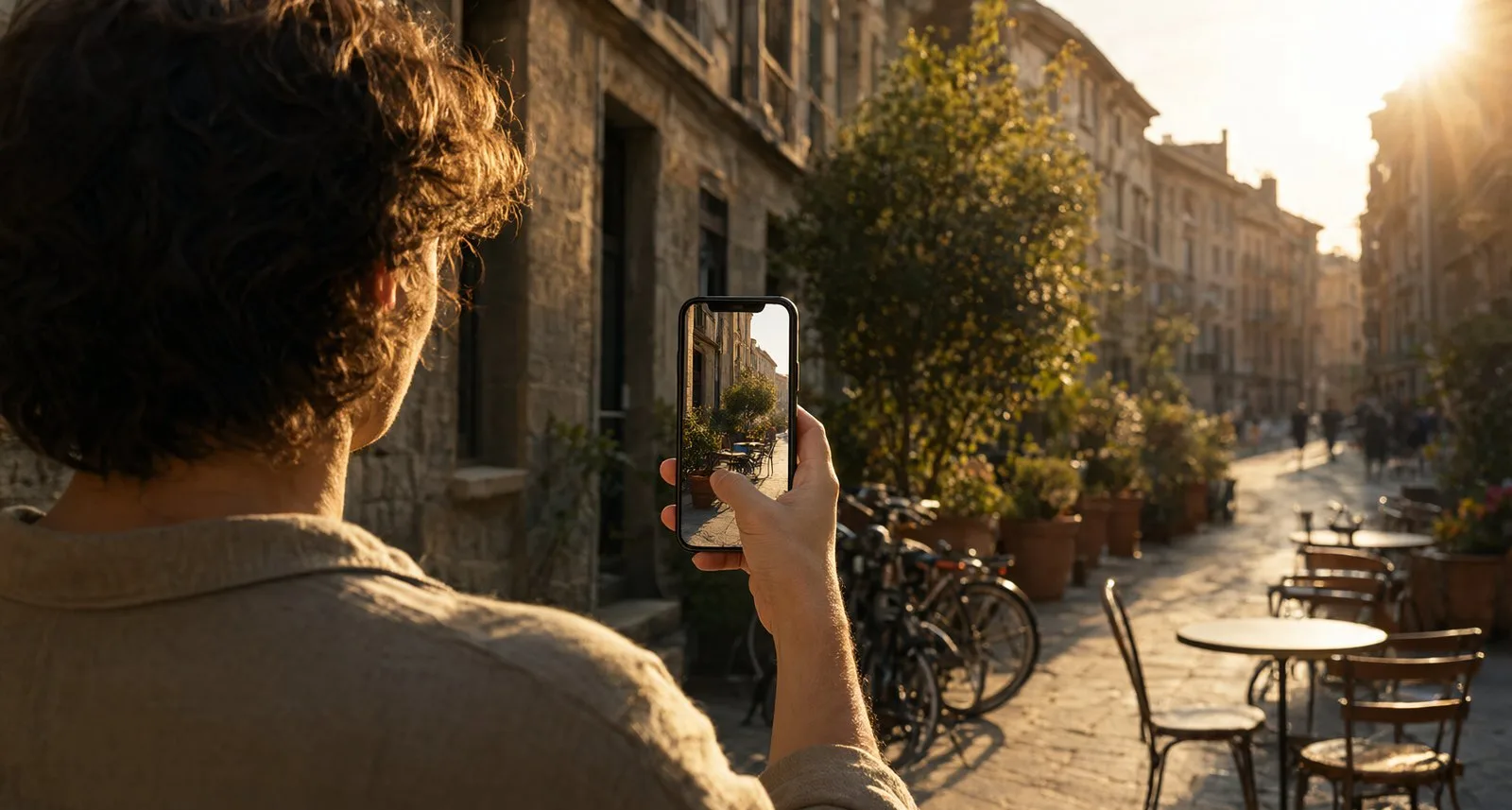
Clean the lens, find the light, and move your feet before you zoom. These three habits fix most bad phone photos.
Co-authored by:
Priya Raman
Smartphone Photography Instructor
Steps
3 methods1.Working with Light
- 1
Put the light behind you
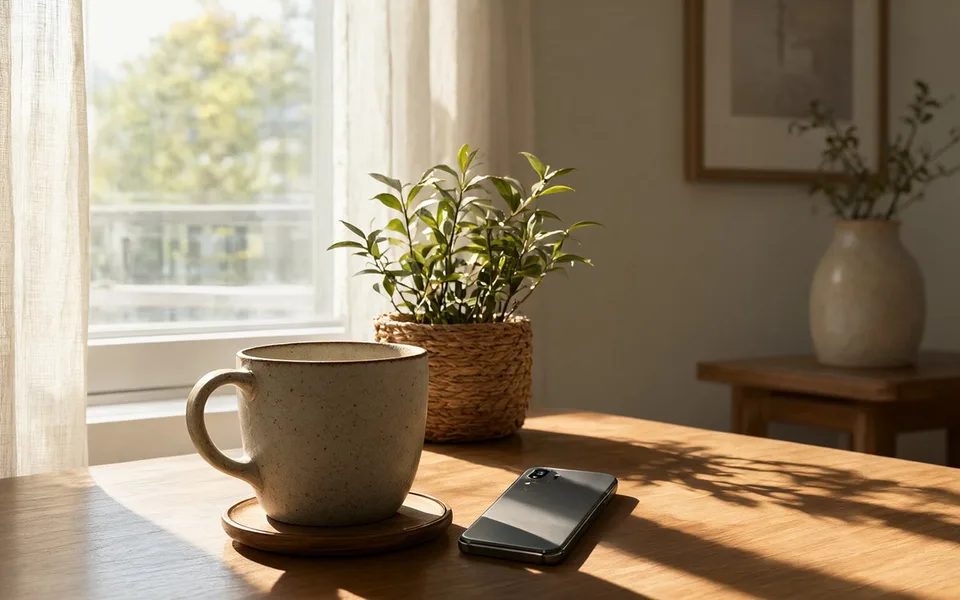
Face the window, lamp, or sun so light falls on your subject rather than behind it. This single change removes most muddy shadows and grey, flat colour.
Indoors, move your subject within a metre or two of a window and shoot during the day with the curtains open. Overcast light through glass is the softest free studio light there is.
- 2
Avoid harsh midday sun
Direct overhead sun creates dark sockets under the eyes and blown highlights on skin and white surfaces. Shoot in the hour after sunrise or before sunset, or move into open shade where the light is even.
Open shade means a spot that is shaded from the sun but still lit by the bright sky — under a tree canopy or on the north side of a wall.
- 3
Tap to expose, then adjust
Tap the brightest important part of the frame — a face, a product, the sky — and hold your finger on the shutter icon that appears. Drag down to protect highlights, up to lift shadows.
Phones expose for an average mid-grey, so a white dress or a snowy scene will come out grey unless you deliberately raise exposure.
- 4
Turn the flash off
The built-in flash sits inches from the lens, so it flattens faces, creates red-eye, and turns distant subjects black. Tap the flash icon to off and let the camera use a longer exposure instead.
In low light, brace your phone against a wall or a table. A steady shot at 1/10 s beats a blurred one with flash.
2.Composing the Shot
- 1
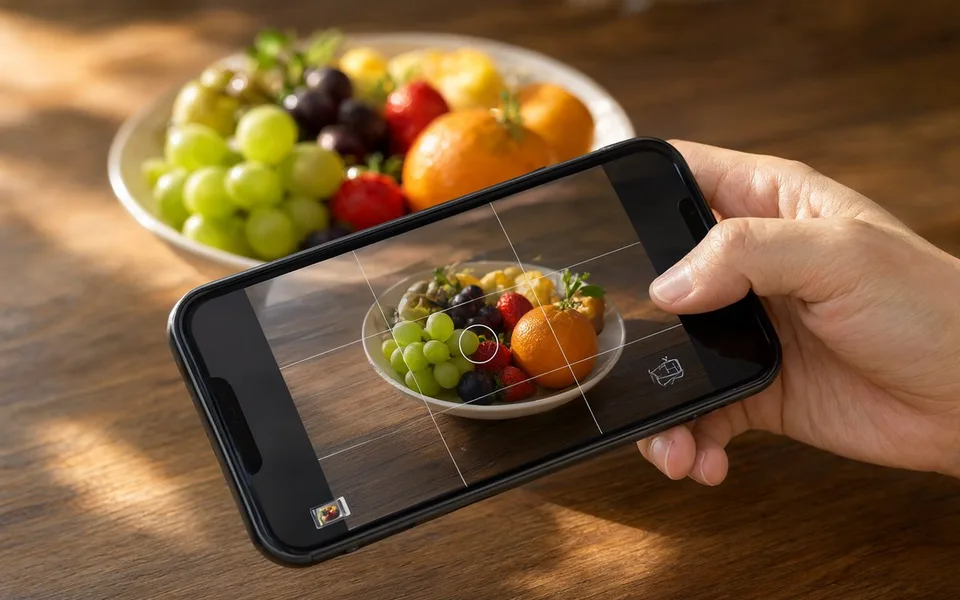
Enable the grid and place the subject off-centre
Turn on the rule-of-thirds grid in your camera settings and put eyes, horizons, or the main object on a line or intersection. Off-centre placement gives the frame somewhere to go and reads as more deliberate.
- 2
Move before you zoom
Walk closer, crouch, or shoot from above. Optical zoom is limited on most phones, and digital zoom simply crops away detail.
Changing height does more for a photo than changing lenses: shooting at your subject's eye level makes pets, children, and street scenes immediately more engaging.
- 3
Clean the frame and leave negative space
Before you press the shutter, check the edges. A bin, a cable, or a stray pole at the frame border will read as the first thing a viewer notices.
Leave empty space in the direction a subject is looking or moving. It gives the eye somewhere to travel and makes the photo feel calm rather than cramped.
- 4
Keep the horizon level
A tilted sea or skyline reads as a mistake even when everything else is right. Use a grid line, or enable the level indicator in your camera app and rotate until the bubble centres.
- 5
Take a second angle and a second framing
Shoot the same subject three times: one wide, one closer, one from an unusual angle. Selection is where most of the improvement comes from, and it costs nothing.
3.Editing and Sharing
- 1
Correct exposure and white balance first
In your photo editor, lift shadows slightly, pull highlights down, and set white balance by dragging the temperature slider until whites look white rather than orange or blue.
These three fixes do about 80% of the work. Do them before touching any filter.
- 2
Use restraint with saturation and filters
Keep saturation and contrast within about ±15. Heavy filters destroy detail in skin tones and make a photo look like every other feed.
Crop afterwards if you must, but crop in-camera when composing — it is far easier to frame well than to rescue a bad frame later.
- 3
Shoot in RAW if you plan to edit
Enable the RAW or Pro format for important shots. RAW files look flat and soft straight out of camera, but they hold enough information to recover a blown sky or a dark interior.
For everyday snapshots, the standard HEIF or JPEG is smaller and already tuned.
- 4
Export at the right size
Share at full resolution on platforms that support it, and resize down for email or web pages. Saving the same photo repeatedly through social apps degrades it, so keep one clean master copy in your library.
Tips
- Wipe the lens on your sleeve before every shoot. Finger grease is the most common cause of soft, glowing photos.
- Tap and hold to lock focus and exposure when your subject moves within the frame.
- Use volume buttons or the headphone cord to trigger the shutter — it avoids the shake of tapping the screen.
- Get closer than feels comfortable. Most phone photos fail because the subject is small in the frame.
- Shoot in burst mode for kids, pets, and anything moving, then pick the sharpest frame.
- Turn off HDR for high-contrast scenes if it produces a halo around buildings or people.
- A cheap clip-on macro or wide lens is more useful than a phone case with twelve attachments.
Warnings
- Do not point your phone directly at the sun, especially with a clip-on lens that can concentrate light; it can damage the sensor and your eyes.
- Respect privacy and local law when photographing people in public or on private property.
- Never use a phone for photography while driving, walking in traffic, or in restricted areas.
Community Q&A
Why are my phone photos blurry?+
Usually camera shake or the phone focusing on the wrong subject. Brace your arms against your body, tap to focus on the main subject, and make sure the lens is clean.
Does a higher megapixel count mean better photos?+
Not on its own. Sensor size, lens quality, and image processing matter far more, especially indoors.
When should I use portrait mode?+
For a single subject with some distance behind it. It struggles with hair, glasses, and busy backgrounds, so check the edge detection before you move on.
Why do my photos look dark when I share them?+
Many apps compress and strip colour profiles. Export a JPEG at full size, or upload the original rather than a screenshot.
Is it worth buying a phone tripod?+
Yes, if you shoot landscapes, night scenes, or video. A small clamp tripod also steadies long exposures without a timer.
Should I turn off the camera's AI scene detection?+
If it oversaturates skies or food, yes. It is tuned to make images pop on a screen, not to render accurate colour.
References
- The American Society of Media Photographers — phone photography technique guide
- Digital Photography School — composition and lighting fundamentals
- Sony / Apple camera documentation — exposure and RAW capture options
About This Article
Written by Site Admin. A subject-matter reviewer checked the steps before publication. Last updated Oct 27, 2026. 15,730 readers have viewed this guide.
89% of readers found this article helpful.
302 votes - 89%
Click a star to add your vote
Marta K.
Oct 25, 2026
“The window-light tip alone made my product photos good enough to stop paying a studio.”